Video Downscript
Free Chrome extension
Get the transcript of any video.
Copy a YouTube™ transcript with one click, or download it as TXT, SRT, VTT or Markdown. Pick any caption language, or translate it.
Add to Chrome, it's free How it works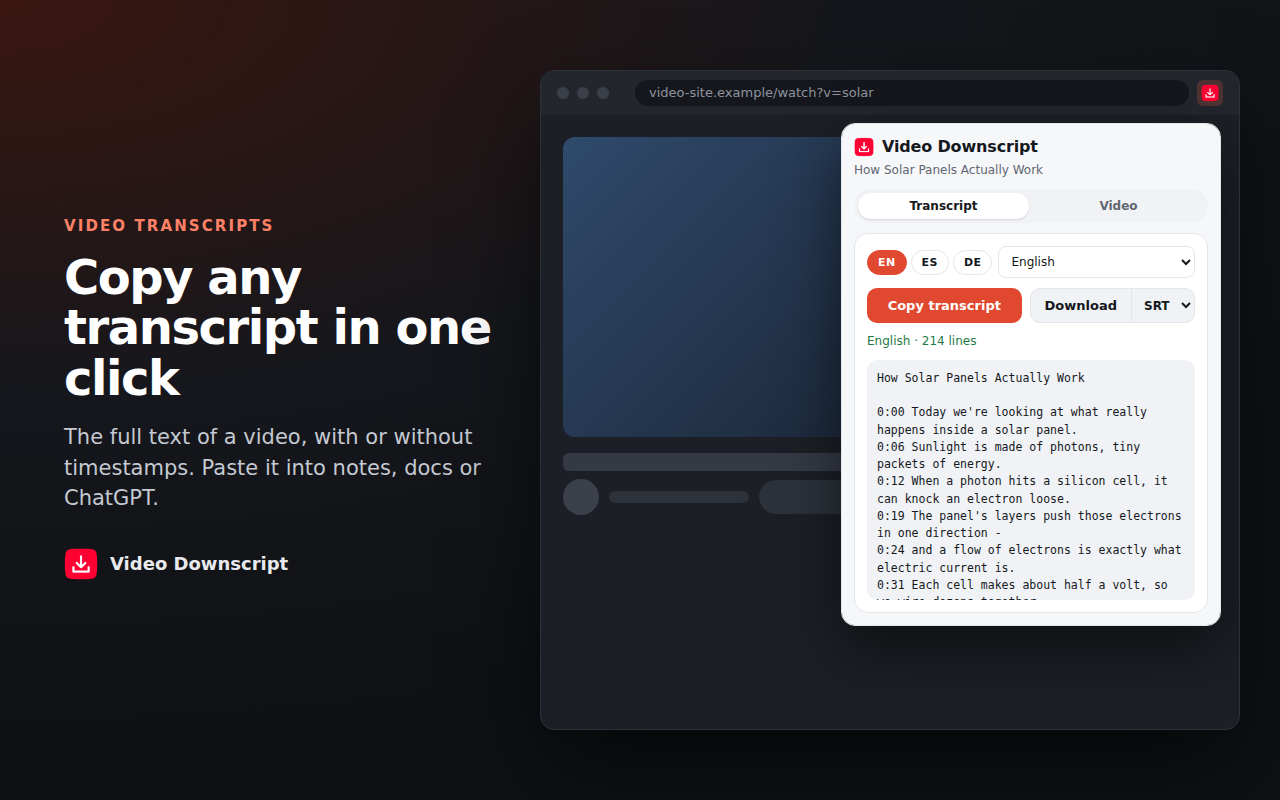
What it does
Transcript to text
Copy the full transcript with or without timestamps and paste it into your notes, a doc or ChatGPT.
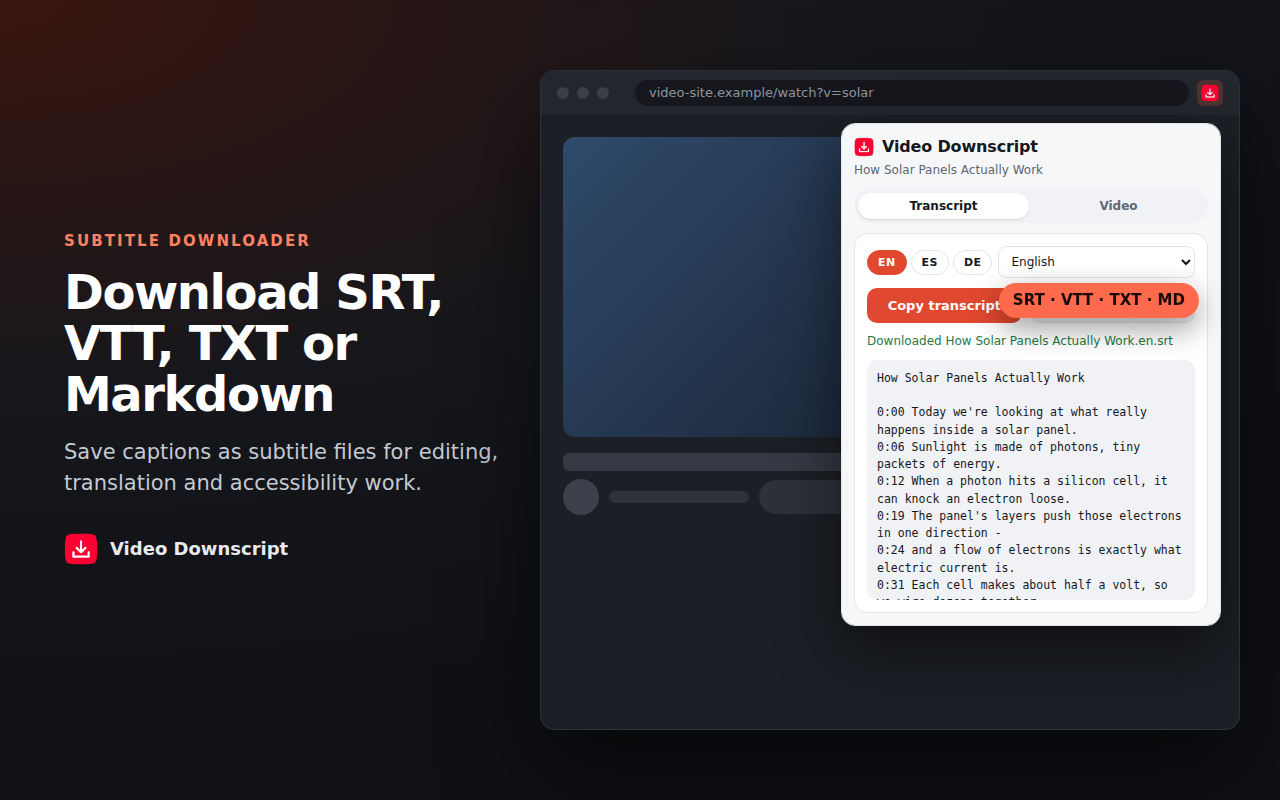
Subtitle files
Save captions as SRT or VTT for video editors, translation work or accessibility.
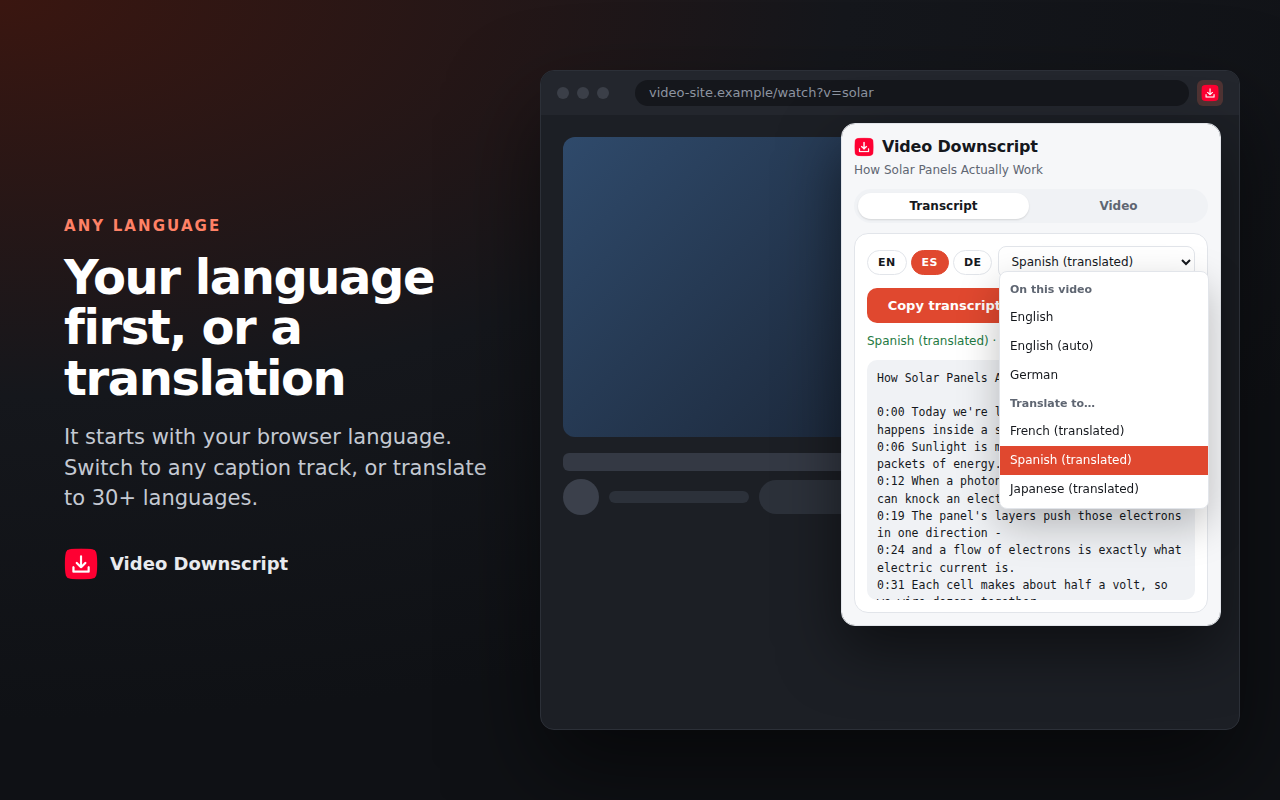
Your language first
It picks the language your browser uses. Switch to any other caption track, or translate to 30+ languages.
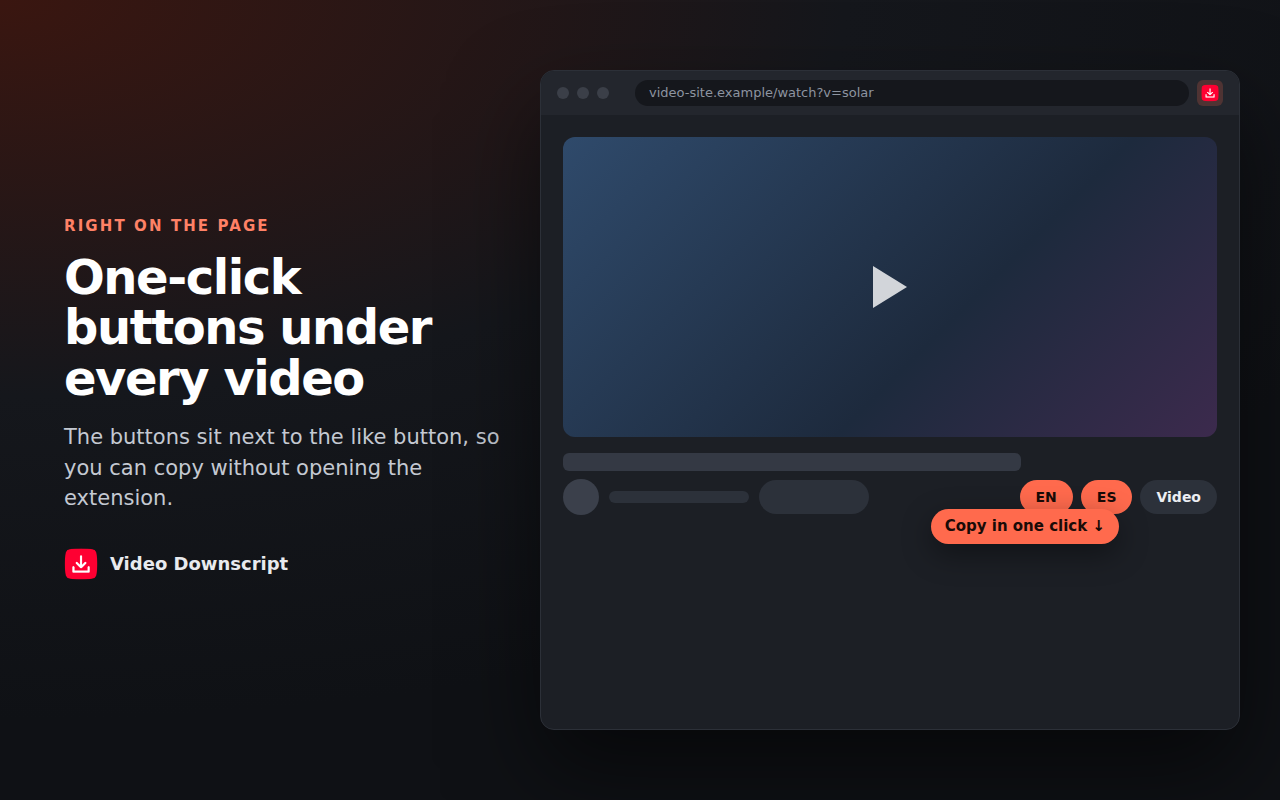
Buttons under the video
Copy buttons sit next to the like button, so you don't have to open the extension.
Streaming video
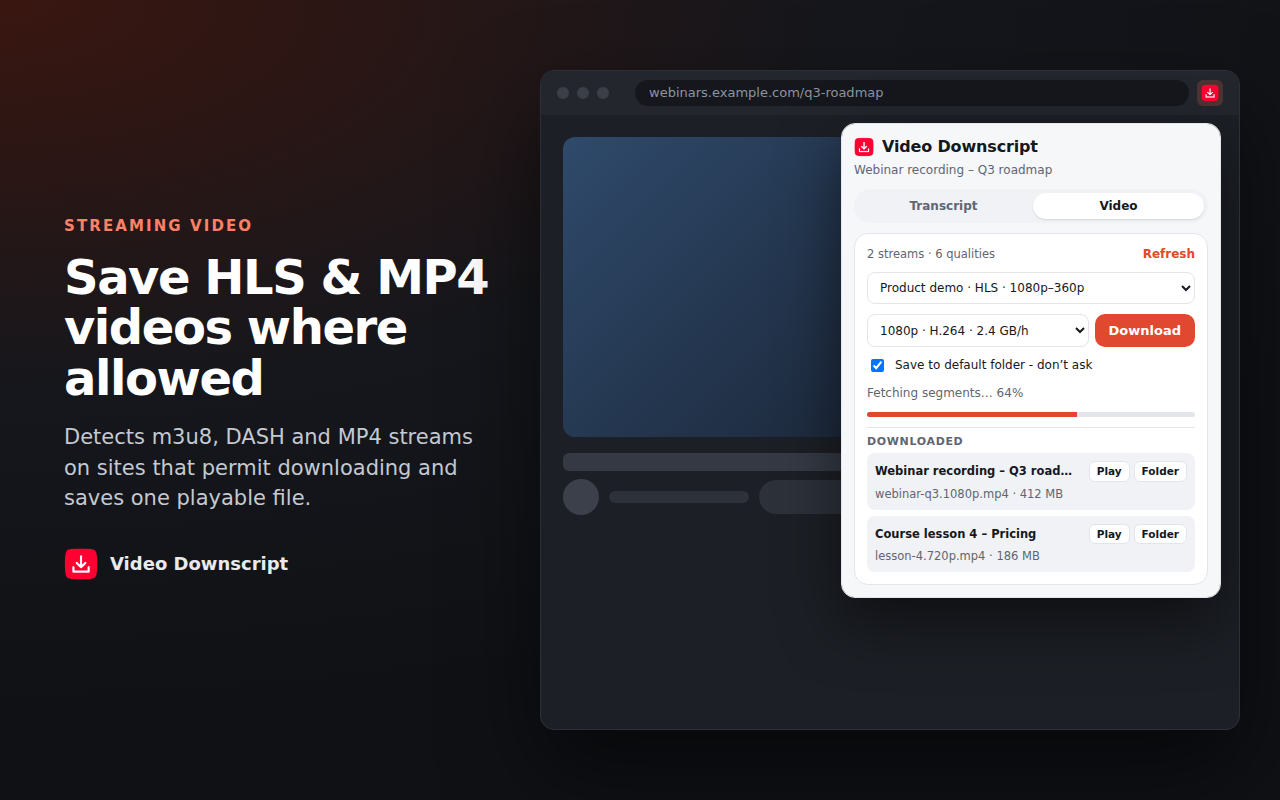
Finds HLS (m3u8), DASH and MP4 streams on sites that allow downloads and saves them as one file you can play.*
Stays on your computer
No account and no tracking. Your transcripts are never sent to us.
* Chrome Web Store policy doesn't allow extensions to download YouTube videos, so that's turned off. DRM-protected video is never downloaded. Only save videos you own or have permission to save.
How it works
Who uses it
Students and researchers
Turn a lecture into notes you can search, and quote with timestamps.
Writers and creators
Use your own videos as a starting point for blog posts, show notes and captions.
Language learners
Read along in the original language, then compare it with a translation.
Saving video from other sites
On course platforms, webinar pages and other sites that allow it, the Video tab lists the streams the page plays. Pick a quality and the extension joins the pieces into one MP4.
You can pause, resume and run several downloads at once. Finished files stay in a list so you can open them later.
Questions
How do I get the transcript of a YouTube video?
Install Video Downscript, open a video and click Copy under the player or in the extension. Pick TXT, Markdown, SRT or VTT to download a file instead.
Is it free?
Yes. Transcripts and subtitles are free with no limit. Pro adds unlimited video downloads and caption translation.
Why can't I download YouTube videos?
The Chrome Web Store doesn't allow extensions to download YouTube videos, so that feature is off. Transcripts and captions work normally.
What if a video has no captions?
The extension tries the video's transcript panel. If the creator added no captions and none were generated automatically, there's nothing to download.